What to do if I find my password has been leaked?

You must immediately change any reused passwords to ensure that a compromised website cannot ruin your entire life - not only the digital one.
Additionally, in the age of mass breaches, never-before-seen calculation power, and AI-driven attacks, you need to use Two-Factor Authentication (2FA) and migrate your logins to a secure, encrypted password manager.
You don't need to be rich or famous to be worth hacking
It is true that, on the one hand, exposed people are more likely to be specifically targeted by criminals.
On the other hand, however, these people are targeted for juicy details or scandals and have special security in place - as a criminal, it is much easier to just try your luck with the average Joe, not just one but hundreds of thousands of them, and see what falls off the tree.
Algorithms these days blindly try 10,000 accounts in less than a minute.
Why your leaked password is a ticking time bomb
Once your password is known, hackers do not manually type it into different websites.
Instead, they again use automated "credential stuffing" programs that can test your leaked email and password combination across thousands of sites in seconds.
If you use the same password for a minor forum and your primary bank account, an obscure database leak instantly hands criminals the keys to your financial life.
In the age of AI, even slight variations of a password for each website is note secure anymore.
How to spot insecure password storage
If your password leaks after a data breach, the website you trusted was storing your data improperly.
You can actually test a company's security practices yourself: If you click "Forgot Password" and a website emails you your actual current password instead of a secure, one-time reset link, they are storing your data in plain text or with reversible encryption.
Delete all data you have with such a service and stop using it immediately
Watch for Outdated Security Rules
You can also spot poorly encrypted services by examining their password creation rules.
- If a website limits your password to only 12 characters or prevents you from using special symbols like dashes and quotation marks, they are using dangerously outdated security practices. As a Software Engineer veteran, I can safely guarantee that the remaining IT security will be ancient as well.
- If a website handles highly sensitive data (banking, trading, email, etc.) but does not offer Two-Factor Authentication (2FA), it is highly recommended to look for an equivalent service that does.
The ultimate fix: Stop trusting websites.
Because you cannot control how poorly a company encrypts your data, your only defense is ensuring a leaked password is not useful on its own and never useful anywhere else.
Read here what Two-Factor Authentication (2FA) is and how it can protect your account, even if your password gets leaked:
 BOP Authors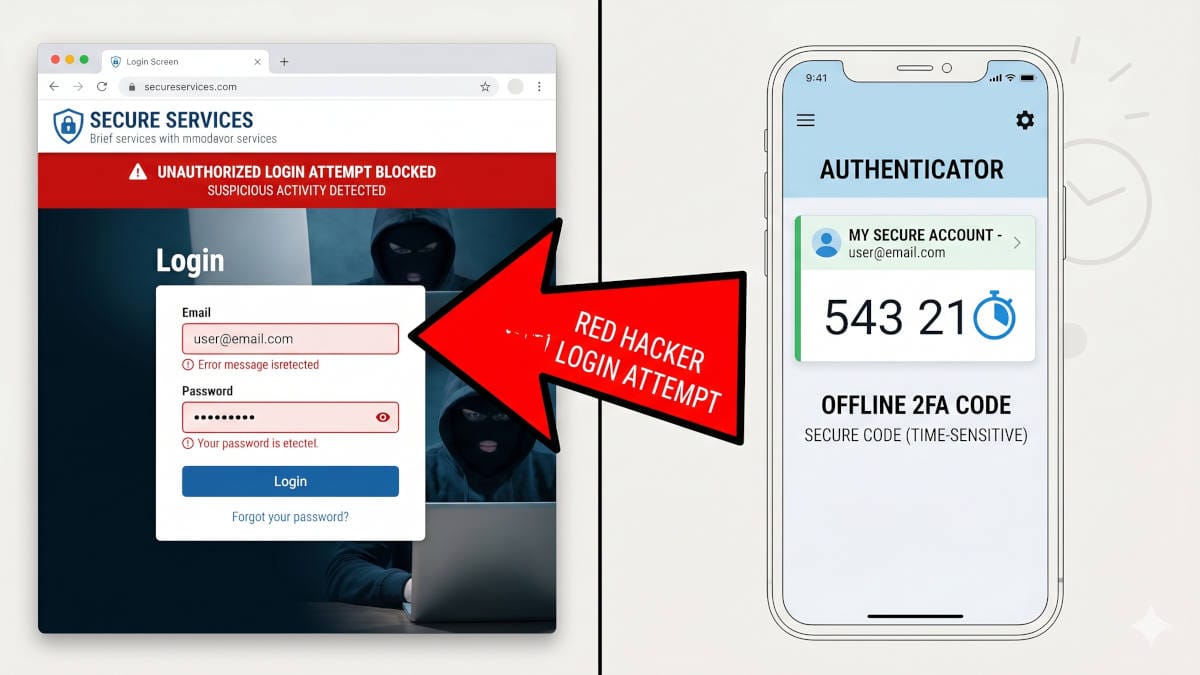
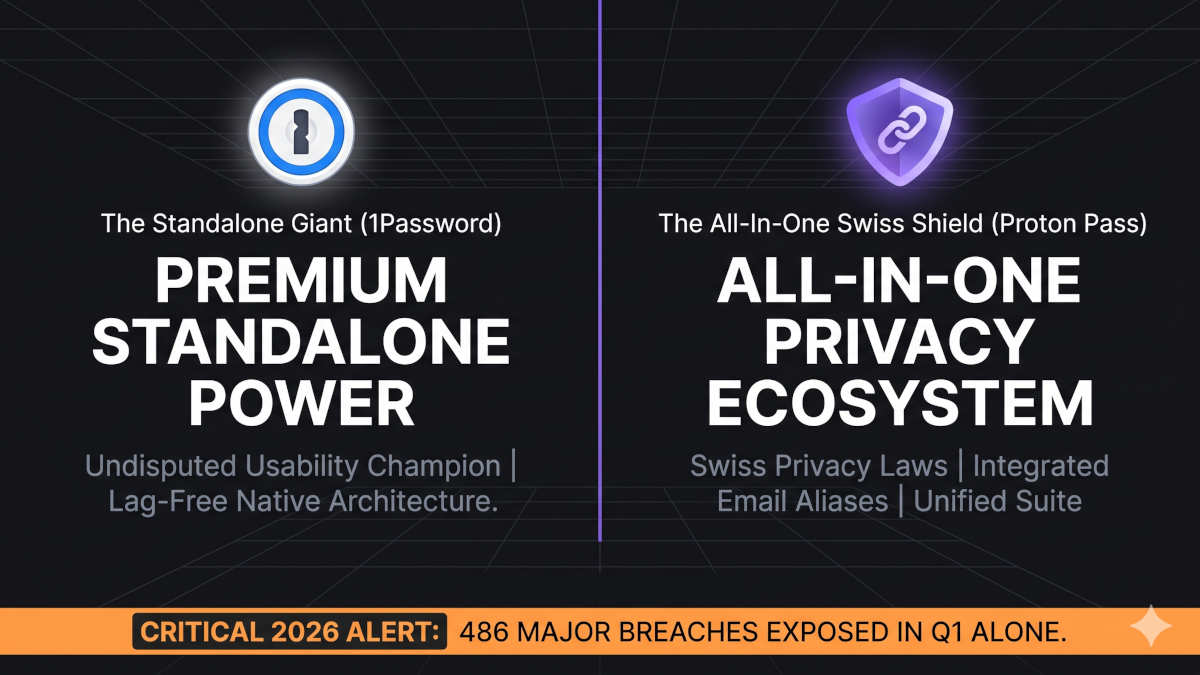
Read our guide on password managers, and how they seamlessly generate an unbreakable, unique password for every single website and even safely handle your payment data, so you don't need to store it with a website:
 BOP Authors