How to create hard-to-guess passwords that you can actually remember

You can not. Even popular mental memory tricks like replacing letters with numbers are no longer enough to protect your bank account or email.
To secure your accounts without the headache of memorizing dozens of complex logins, you must migrate to a dedicated, encrypted password manager.
The problem with mental memory tricks
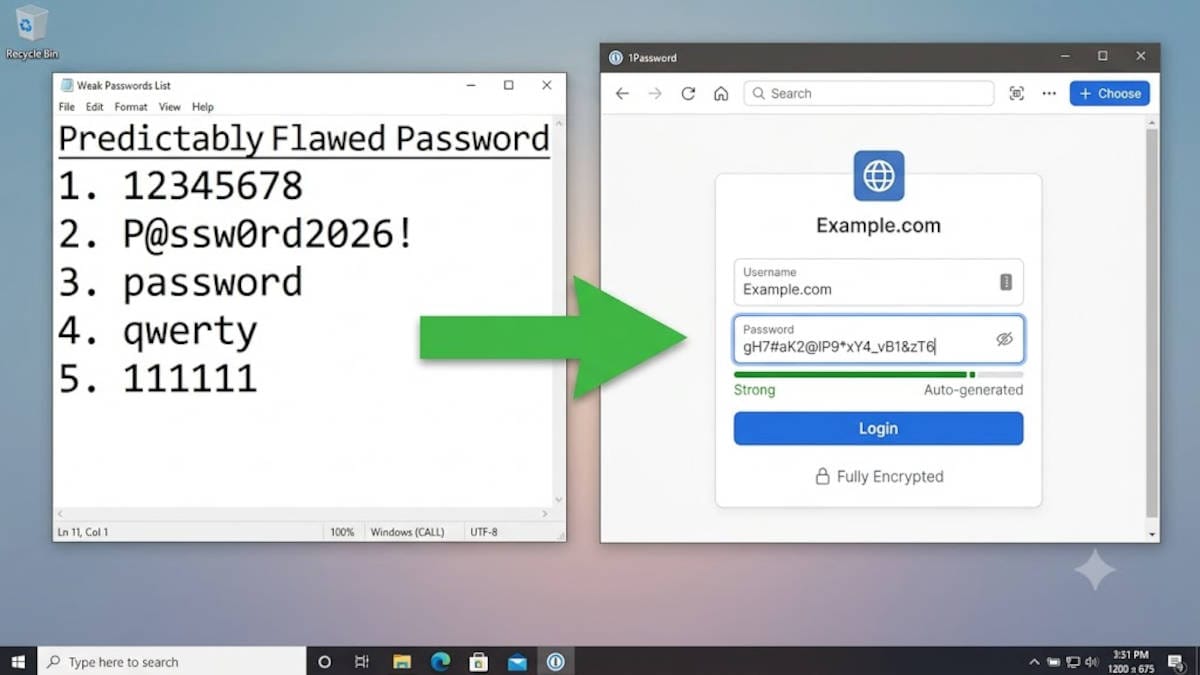
For years, security experts told us to use long passphrases or substitute letters with symbols to make passwords memorable. You might combine four random words or change the letter "a" to an "@", an "i" to a "1" and so on, to create something unique.
The reality is that you simply cannot memorize 100 unique, complex passwords for every website you use.
Eventually, memory fatigue sets in, and you inevitably start reusing the same passphrase across multiple accounts or just adding an account-specific text to the end of a general password.
To make matters worse, these days AI-driven cracking tools can crack traditional passwords in minutes, meaning popular mental memory tricks like replacing letters with numbers are no longer enough to protect your bank or email account.
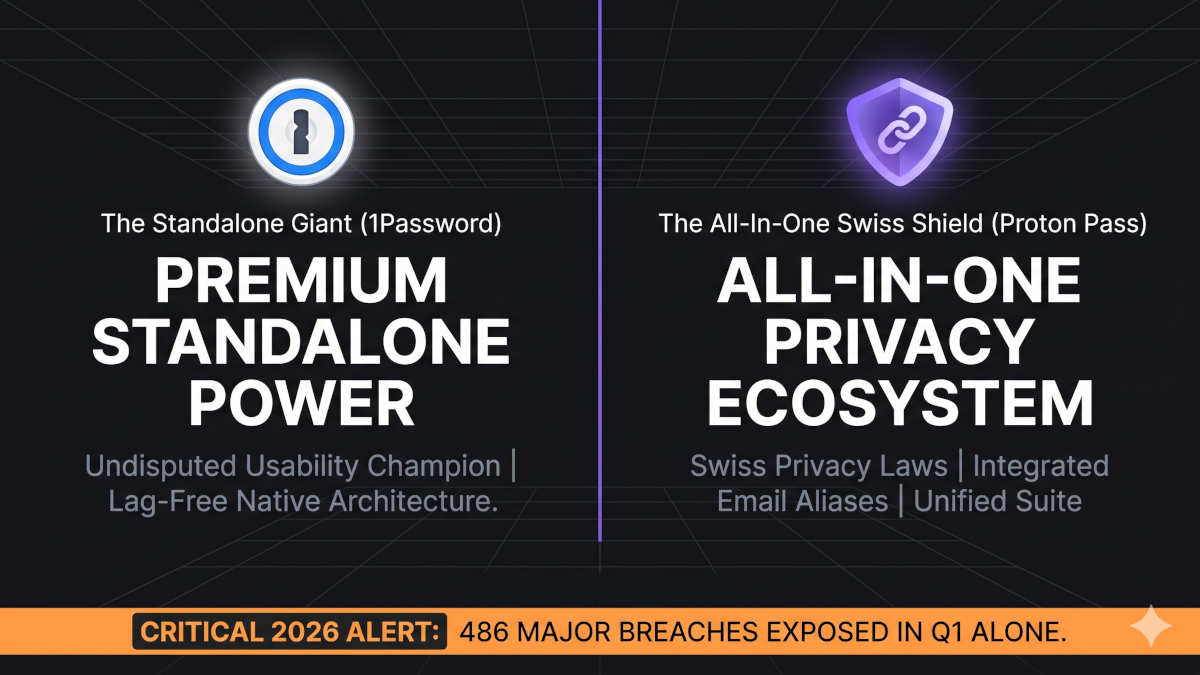
With almost 500 major data breaches occurring in the first three months of 2026 alone, your "memorable" passwords are likely already exposed on the dark web. If you reuse a slightly altered version of a compromised password on a new site, these AI tools will crack your account in seconds.
The stress-free solution
To secure your accounts without the headache of memorizing dozens of complex logins, you must migrate to a dedicated, encrypted password manager.
A password manager generates random, uncrackable strings of characters for every single account you own. Read our article here on the two best available options, and which one can be right for you:
 BOP Authors