Stop ads stealing your data: Why you need an ad blocker like uBlock Origin Lite right now

To stop annoying ads that also slow down your computer, invisible data collectors, and click trackers, you need to install a free, lightweight tool called uBlock Origin Lite directly in your current browser.
It works out of the box, requires no setup, and will not break any of your websites.
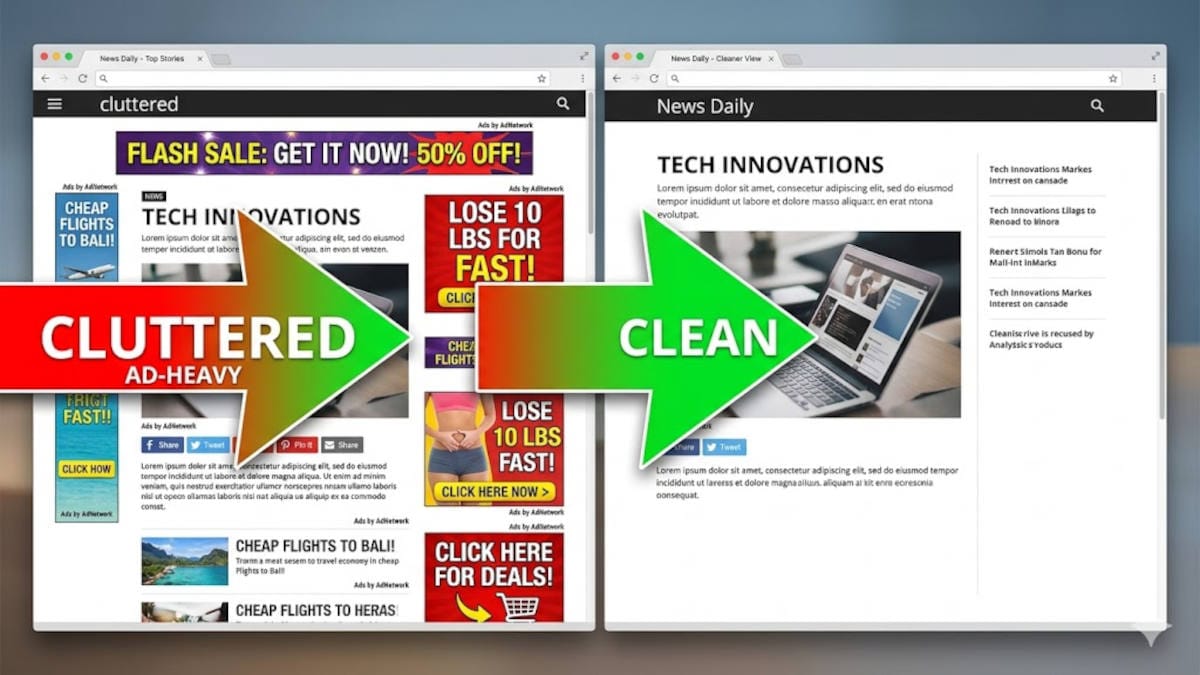
What are invisible data collectors?
Advertising-based surveillance is heavier than ever. When you visit a standard website, you aren't just loading the article or the video.
You are also loading hidden code created by data brokers and advertising companies.
These digital eavesdroppers have one job: to record what you click, how long you stay on a page, and where you head next. They are essentially digital hitchhikers feeding your habits into a massive database.
How they affect your privacy (and your internet speed)
The impact on your daily web browsing is massive:
Recent industry data shows that initial tracking requests now account for over 10% of all global internet traffic. Even worse, when you load just one primary piece of hidden code, it triggers an avalanche of background requests that can hijack up to 40% of your total web traffic.
This means your personal internet connection is being used against you - slowing down your computer to build a highly specific profile of your life, completely behind the scenes.
Wait, doesn't this plugin see everything I do?
Good point!
It is a great habit to hesitate before giving an extension access to your browser. Especially the invasive "read and change all your data" permissions that some plugins and ad blockers require.
However, uBlock Origin Lite is fundamentally different because of Google Chrome's new 2026 rules: it operates without the invasive "read and change all your data" and instead blindly hands your browser a list of blocking rules, which then blocks trackers natively.
This means the extension never actually sees your visited URLs, passwords, or personal page content.
How to install the uBlock Origin Lite ad blocker browser extension in less than 5 minutes
Fortunately, you do not need to switch browsers; you can simply install this browser extension on the most common browsers:
- Find the Extension: Open your Chrome or Edge browser, go to the web store, and search for "uBlock Origin Lite". Pay attention: it is not just "uBlock Origin"; this might not work anymore with modern browsers.
- Install: Click "Add to Browser". It requires absolutely zero configuration and will not break the websites you visit.
- Pin it for Proof: Click the puzzle piece icon in the top-right of your screen, then "pin" the uBlock Origin Lite shield so it is always visible on your toolbar.
- Browse Normally: As you browse, the shield will immediately start displaying a number on the icon. That number represents the exact amount of invisible data collectors it is actively blocking from your screen.
What more can you do for almost complete privacy?
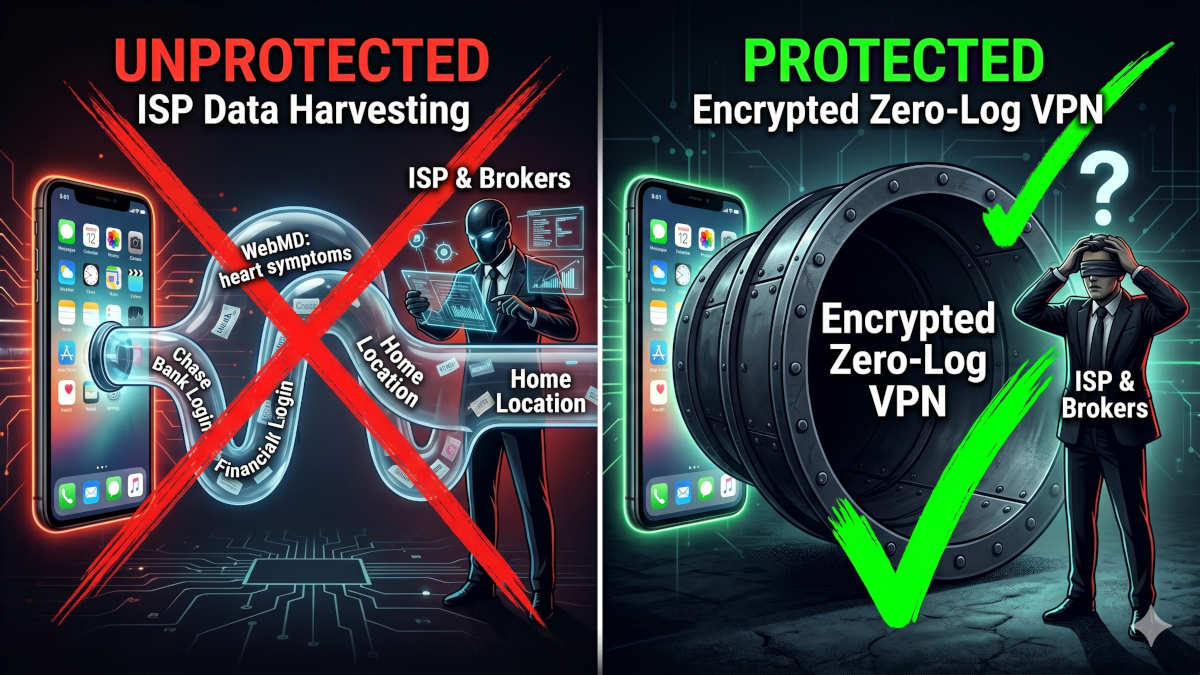
Even with an ad blocker removing spying elements on websites, your internet service provider or the network administrator at your local coffee shop can still see exactly which websites you are visiting and images or videos you are watching.
To get professional-grade internet connection privacy and blind traffic spies, you need a strict zero-log VPN, which starts at just around $3 a month.
We compared the best two here and are actually using both of them - one at the office and one at home.
 BOP Authors