Stop forgetting your passwords and ditch insecure ones for a secure password manager
To instantly stop forgetting passwords and secure your digital life, you need to migrate your logins to a dedicated, encrypted vault like 1Password or Proton Pass.
You probably gave up relying on your memory and either use the web browser to save passwords or simply use the same password everywhere.
The latter is the fastest way to get your personal accounts hacked, not just one. All. However, as you will see here, browser storage is not safe either.
What is a password manager?
A password manager is essentially a digital safe for all your online credentials.
Instead of memorizing dozens of complex passwords or writing them down on sticky notes, or instead just using simple ones or just one for everything, you only ever have to memorize one single "Master Password".
No worries:
- You do not need to move all of your passwords over in one day.
This vault securely remembers, fills in, and creates new, unguessable passwords for you automatically.
Unlike saving passwords directly in your web browser, a dedicated vault uses heavy, offline encryption so that nobody - not even the software company itself - can see your private data.
How does a password manager improve your privacy?
Data leaks are happening at an alarming rate, making memory-based passwords obsolete.
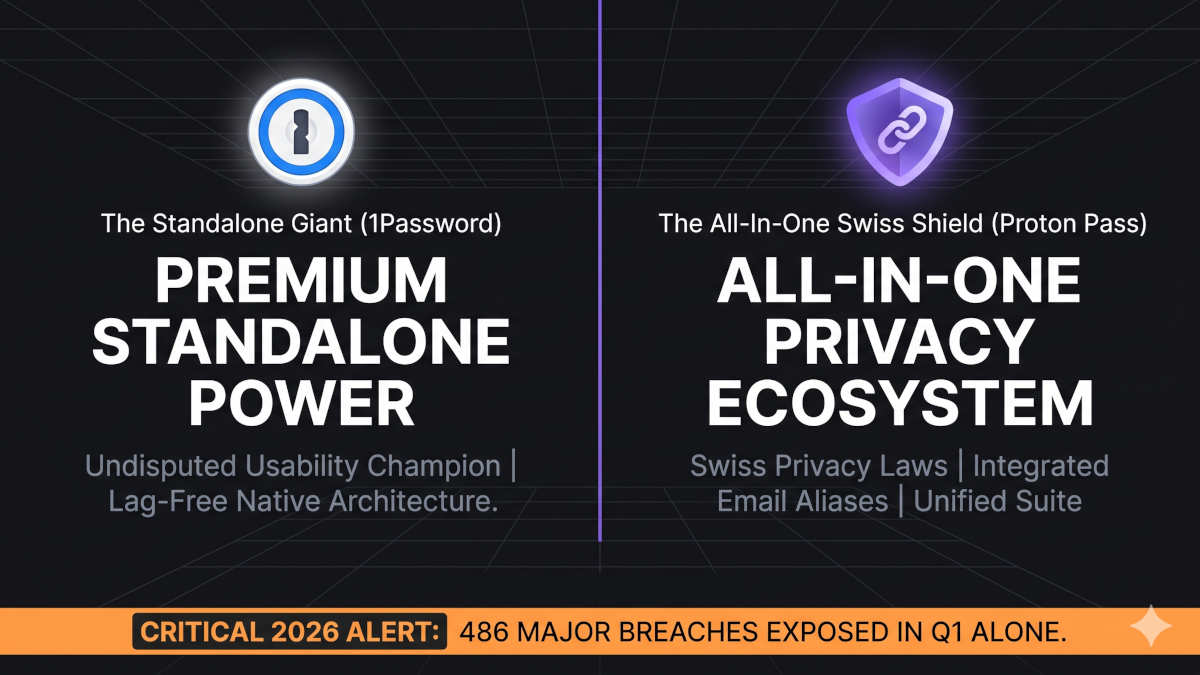
In the first three months of 2026 alone, there were 486 major data breach events across the internet. Billions of people had personal data, such as addresses, passwords, IDs, and even medical records and SSNs, leaked.
- If you use the same password for your email and your banking app, a single website leak gives cybercriminals the master key to your entire life and lets them impersonate you online.
- If you use combinations of uppercase/lowercase letters and numbers, it still takes only seconds or minutes to decode your password, with added symbols often just some hours.
- It is not that you "have nothing to hide" - hackers are not targeting you individually, but millions of people automatically. The value does not come from what you have to hide, but from what can be gained financially by impersonating you.
Why we recommend 1Password and Proton Pass
These two password managers are especially user-friendly, work on almost any imaginable device, and are secure. They also securely store your payment data if you choose to.
And best of it: They start for free or as cheap as less than $3 a month, which is one of the best investments you can make for your daily peace of mind.
Good news for households and families: both offer discounted group plans.
1Password strengths and weaknesses
1Password has remained the undisputed gold standard for secure personal credential management for nearly two decades.
Its biggest strengths lie in its mature, ultra-reliable user interface and unique additional safety features. It is the absolute usability champion.
However, whilst it starts below $3, it lacks a permanent free tier and operates as a standalone tool.
Meaning if you later decide to secure your sensitive email, cloud storage, or your internet connection, you need to onboard additional tools from other companies.
Proton Pass strengths and weaknesses
Proton Pass has rapidly evolved into a top-tier security contender by focusing on radical open-source transparency and Swiss-backed privacy laws.
It outshines traditional competitors by including additional privacy-focused features, such as automated "Hide-my-email" aliases directly within your vault, to shield your real inbox from malicious marketing tracking.
Compared to 1Password, Proton Pass has minor usability friction points, such as a desktop application that feels more like a web page than a native one. That also means the automated password-filling can experience a minor lag.
The biggest upside, though, is that Proton offers an entire ecosystem under one hood.
This means that if you later decide to expand your privacy efforts to cover your website browsing, email, or cloud storage, you can do so with just one subscription at a considerably lower total price and with much less friction.
As 1Password, Proton Pass starts at below $3, and also offers a completely free plan, which is absolutely basic, though, and nothing we'd recommend.
What to do: Your 3-step action plan
Getting started is entirely frictionless, and you will never have to fear forgetting a password or using weak ones again.
You do not need to move all of your passwords over immediately; do it at your own pace.
- Create an account: Go to the official Proton Pass website or 1Password website on your computer and sign up for a personal or family plan.
- Secure your master key: Proton Pass uses your primary Proton account password, while 1Password requires a separate master password plus a 34-character secret key. Write down your master password and immediately download the provided 1Password Emergency Kit PDF or the Proton 12-word recovery phrase during setup.
- Install the extension: Follow the on-screen instructions to add the official extension to your web browser, then "pin" it to your toolbar for immediate use.
That's it!
As you log in to websites over the next few weeks, your password manager will automatically pop up to save your credentials, allowing you to use the built-in generator to gradually replace your old, weak passwords.
What if I forget my master password?
Both vaults use a strict zero-knowledge architecture; they cannot look up or reset your password. If you get locked out of your vault, account recovery depends on the service you chose:
- With 1Password, you can regain access using a pre-generated backup recovery code or an active biometric login, such as Face ID. If you are enrolled in a 1Password Families plan, any designated Family Organizer can instantly reset your access.
- With Proton Pass, changing a forgotten password only resets your login access. To protect your identity from hackers, after a password reset, Proton keeps your existing data completely encrypted and unreadable until you enter your 12-word recovery phrase or sign in from a previously trusted device.
The next steps
Protect your entire family
Securing your own credentials is only half the battle if your children or spouse are still reusing weak passwords.
The Proton Family plan is an all-in-one package for up to six people that includes not only the password manager but also secure cloud storage for your files, a high-speed VPN for your browsing and even secure email.
Starting at less than $15 in total a month for six people, this single service subscription is the best all-around protection for what matters most:
 BOP Authors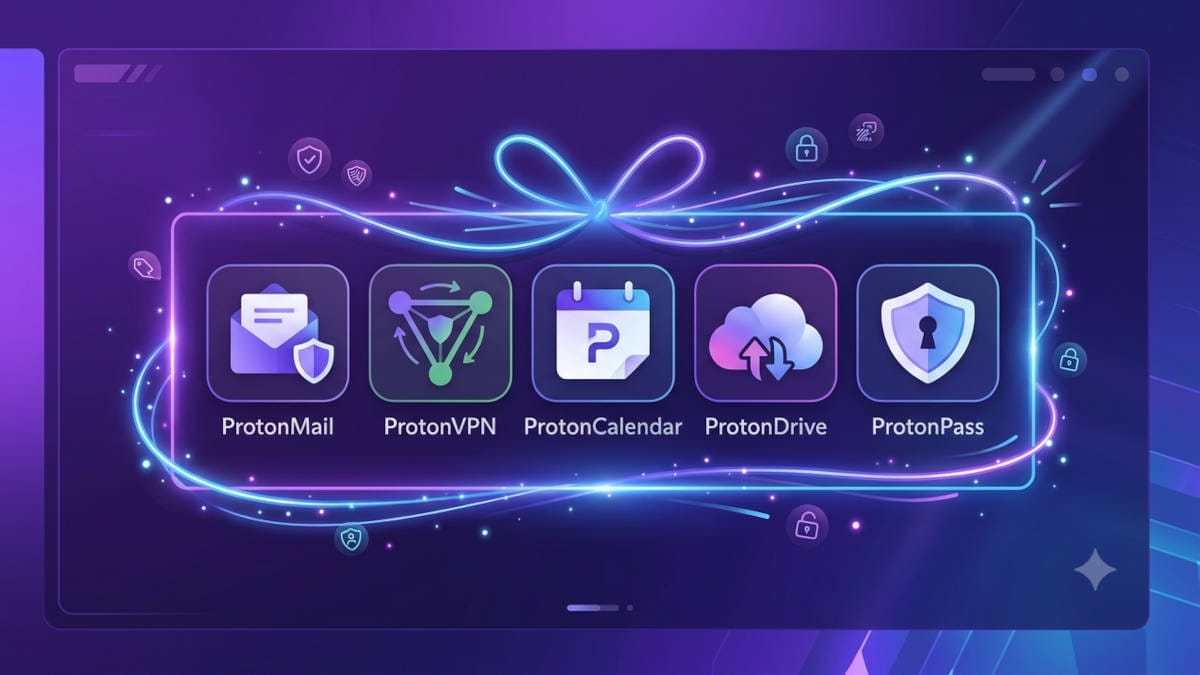
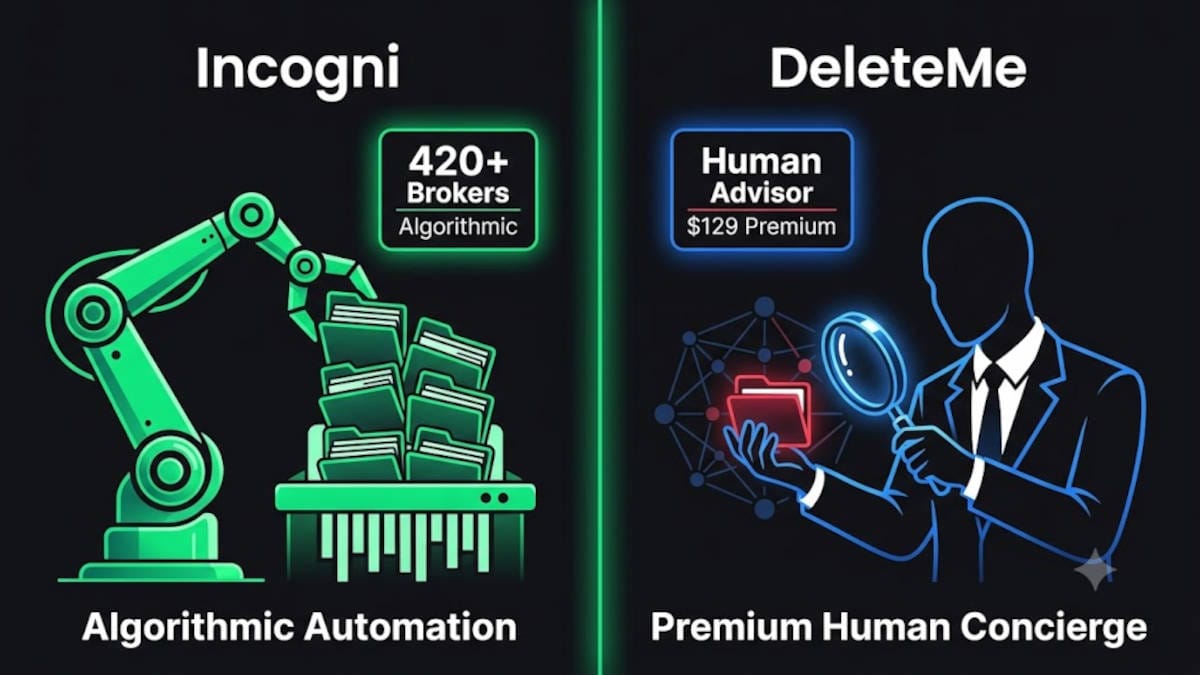
Automatically delete harvested and leaked data about you
A password manager is purely reactive protection; it cannot remove the data that is already publicly exposed across the web.
To stop malicious hackers from weaponizing your family's home addresses, cellular numbers, and leaked identities for hyper-targeted scams, you need to wipe your footprint from shadow networks.
Read our guide on automating data removal to discover how professional removal services automatically delete your data from hundreds of databases:
 BOP Authors