Switching to privacy-first Browsers: Which is the best private browser?
The Brave browser stands for effortless, out-of-the-box privacy, while Firefox offers complete, customizable control.
Both are free alternatives that will immediately block the invisible trackers and digital eavesdroppers that are building a psychological profile of your life.
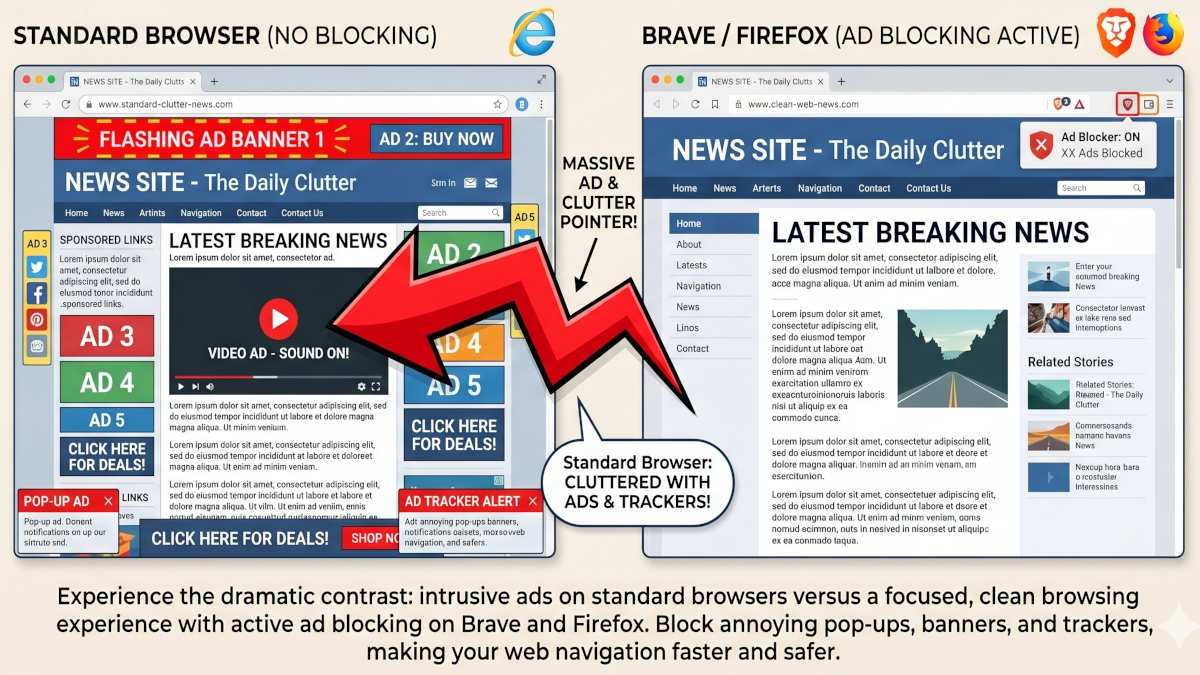
What is the main difference between Brave and Firefox?
The main difference is that one has a lower learning curve, and the other has more settings and controls.
Brave and Firefox are both free web browsers designed specifically to protect your personal information rather than exploit it.
Unlike many standard browsers that act as surveillance tools for advertising companies, these privacy-first alternatives actively block hidden code and tracking scripts by default.
- Brave is built to work perfectly right out of the box, making it the ideal choice for beginners who want a secure, "set it and forget it" experience.
- Firefox requires a few simple settings adjustments but offers a deeply independent, customizable environment for users who want complete control over their footprint.
I tried both after a long time of using Google Chrome, and stayed with Brave - it feels faster and also has several privacy first features like easy to configure ad and script blocking seamlessly integrated form the start.
How using a wrong, insecure browser affects your privacy
The constant exposure of our personal data is a massive security risk. In the first three months of 2026 alone, there were almost 500 major online data breaches.
Standard browsers are designed to quietly record everything you search for, click on, and purchase. This harvested data is eventually sold to data brokers, allowing cybercriminals to launch hyper-targeted, AI-generated phishing scams, which have seen a massive 54% increase this year.
If you continue to use a browser that tracks your habits, you are willingly handing over your digital footprint for sale.
How to switch browsers: A 5-minute step-by-step plan
Switching your primary browser takes less than three minutes, requires zero technical skill, and stops data harvesting immediately.
- Choose your browser: Download Brave for immediate privacy without tinkering, or download Firefox for independent, customizable software.
- Install and open: Follow the standard installation prompt on your computer or smartphone to open your new browser.
- Import your bookmarks: During the initial setup, both browsers will ask if you want to import your bookmarks and passwords from your old browser. Click "Yes" for a seamless transition.
- Set as default: The browsers will ask you to make them the default. Choose "Yes". If not, open your device-specific settings and select "Default Browser" so that all links open safely in the future.
What you can do for complete privacy
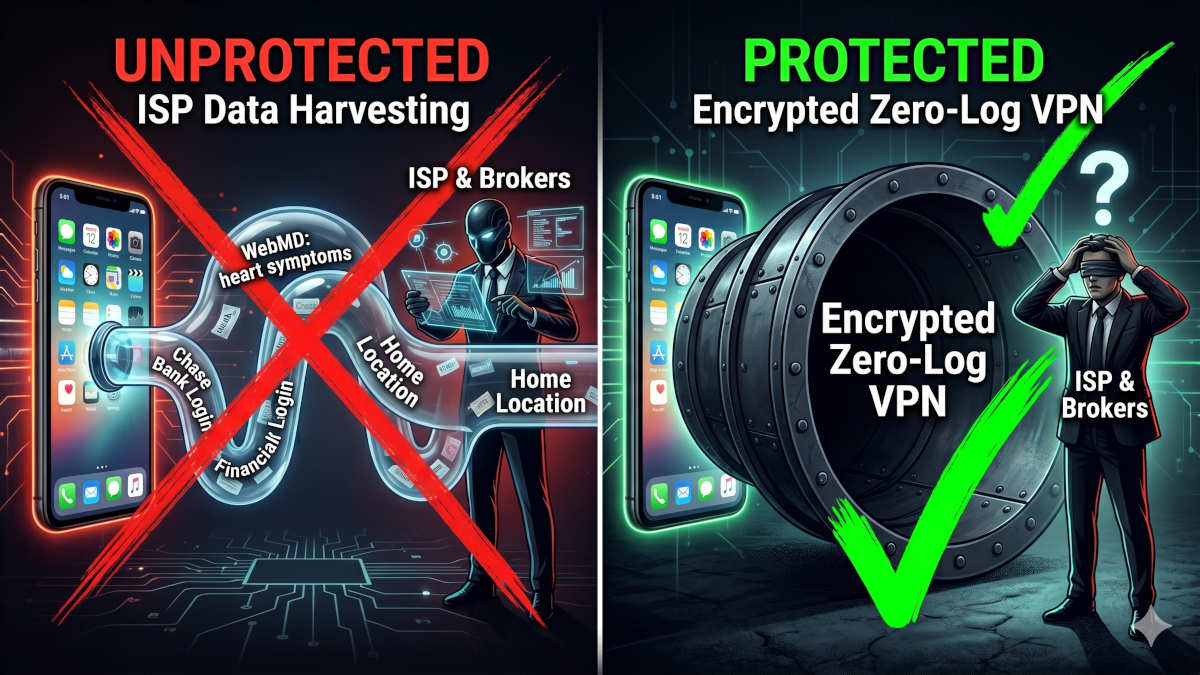
Switching to a private browser clears your local browsing history and blocks ad scripts, but it cannot prevent your internet service provider from seeing what you do or where you are.
Even with Brave or Firefox, your internet service provider or the network administrator at your local coffee shop can still see exactly which websites you are visiting.
To get complete, professional-grade privacy and blind the network entirely, you need a strict zero-log VPN, which starts at just around $3 a month.
We compared the best two and are actually using both of them - one at the office and one at home:
 BOP Authors