If your email is free, you pay with your data. How to easily move to a secure email like Proton Mail
Companies are profit-oriented. If their service is free, you pay with your data.
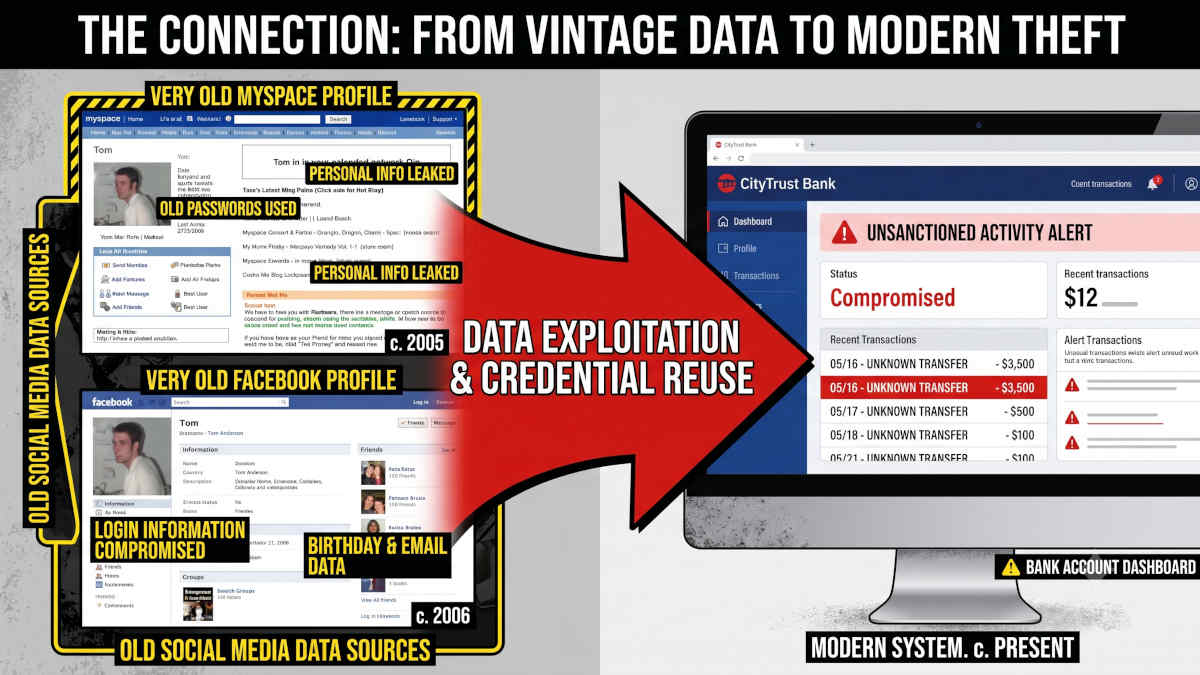
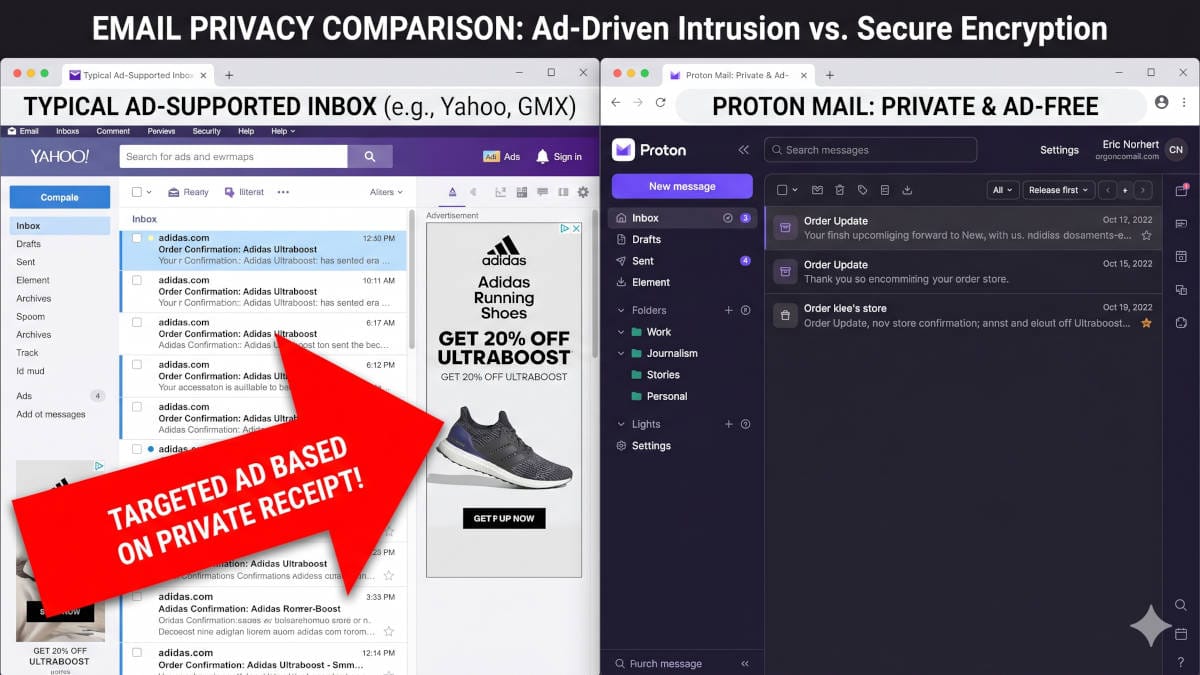
Enjoying free email services means you are allowing the company to scan your private conversations, receipts, medical appointments, and any email attachments to learn more about you than almost anyone close to you and build a lucrative advertising profile.
Examples where big email providers got caught red-handed
The problem with free services is not just fearmongering. You actually need to agree to this when signing up: Google scans your emails using AI, and it turns this scanning on by default.
Here are examples where presumedly friendly companies were caught red-handed, arms-deep in your data:
- Google Gmail: Third-party app developers scanning inboxes
It was found that Gmail allowed hundreds of external software companies that built add-ons like travel planners and price-comparison tools to read the private emails of millions of users. In some cases, human employees at these third-party companies manually read thousands of personal emails to improve their software algorithms. - Yahoo! Mail: Secret government email scanning
Reuters reported that Yahoo secretly built a custom software program to scan hundreds of millions of incoming Yahoo! Mail accounts in real-time. The search was conducted on behalf of the NSA or FBI to look for specific words, and the company complied with the classified directive without challenging it. - Yahoo! Mail: The biggest data breaches in history
Over a three-year period, hackers successfully targeted Yahoo's databases, compromising an unprecedented 3 billion accounts. The stolen data included names, email addresses, phone numbers, birth dates, and security questions.
What do zero-knowledge email providers differently?
Unlike free services that parse your inbox and attachments, zero-knowledge providers use end-to-end encryption. This means your messages are scrambled into unreadable code on your device before they ever reach the provider's servers.
Because the company never holds your private decryption keys, they cannot decrypt and read your emails, sell your data, or hand it over to third-party marketers.
Why Proton Mail is our favorite
Proton Mail operates under strict Swiss privacy laws, completely insulating your personal data from standard US or EU data-sharing surveillance agreements.
Beyond its powerful legal shield, the platform is entirely open source and automatically strips invisible tracking pixels from emails that secretly track you and enable data-driven phishing scams.
It successfully combines military-grade encryption with a clean, intuitive interface that non-technical users can master immediately.
How to switch to Proton Mail - it is not a massive undertaking
Honestly, I wanted to switch to a service like Proton Mail for a long time, but most of the time I just kept hesitating. The reason is the same as when I switched from Windows to Linux: I feared it was complex, that I could not migrate properly, and that it would take a lot of time.
Onboarding a secure email provider is not messy
The reason is simple: You can just use it for the important emails like banking, healthcare, and trading first, and then gradually phase out your old email address with other services.
Proton also offers a migration tool that imports your existing data, contacts, and emails.
Step 1: Create your brand new, secure email address
You will have the following options:
- Mail Plus is the lowest paid plan, comes with up to 10 email addresses, and you can use your own domain - no more yourname@gmail.com! It starts at just $3.99/m for a complete, hassle-free, secure, and encrypted email that is truly yours.
- Proton Unlimited includes Mail Plus for up to 3 of your own domain names, and everything else you'd expect from a complete and secure privacy ecosystem: A fast VPN, an encrypted password manager, encrypted cloud storage and advaced account protection. This full pack starts at just $9.99
- Free: Do not choose the free plan - it is extremely limited and more for emergencies, where you set up the actual plan later. For example, you can only use webmail, have 3 folders, no own domain, and only 1GB of storage. The same security and encryption standards apply: Proton will not - and can not - access your data
Choose a clean, professional username, as this will become your permanent, highly secure digital identity moving forward.
Step 2: Lock down your banking and healthcare first
Log in to your primary bank, credit card portals, and medical providers to instantly update your contact email to your new Proton address.
Because sophisticated, AI-generated financial phishing has become the dominant threat of 2026, removing your banking profile from your ad-scanned, mainstream inbox is your absolute highest priority.
Step 3: Automate the historical import
Instead of manually forwarding thousands of old receipts, use Proton’s built-in Easy Switch tool.
This feature automatically connects to your old provider and imports your existing folders, calendar events, and contacts quietly in the background.
Step 4: Keep your old inbox alive for at least a while
Do not permanently delete your old email account yet, as you may need it occasionally, for example, for password resets or when you want to change that email with some other service.
Also, read up on our article about how to find old and forgotten accounts, so you can get rid of them or move them over.
You can set up an auto-forwarder only if the sender is in your address book, which forwards such emails to your new address.
 BOP Authors