How to find your old and forgotten accounts, wipe your data, and delete it for good

You must audit your past email history for old account sign-ups, review your browser's saved passwords to find long-ago-used website accounts, and go through your authenticator app to find even more.
Then manually delete the accounts or set a new, secure password, and ideally use an automated removal tool to scrub your historical data from the web.
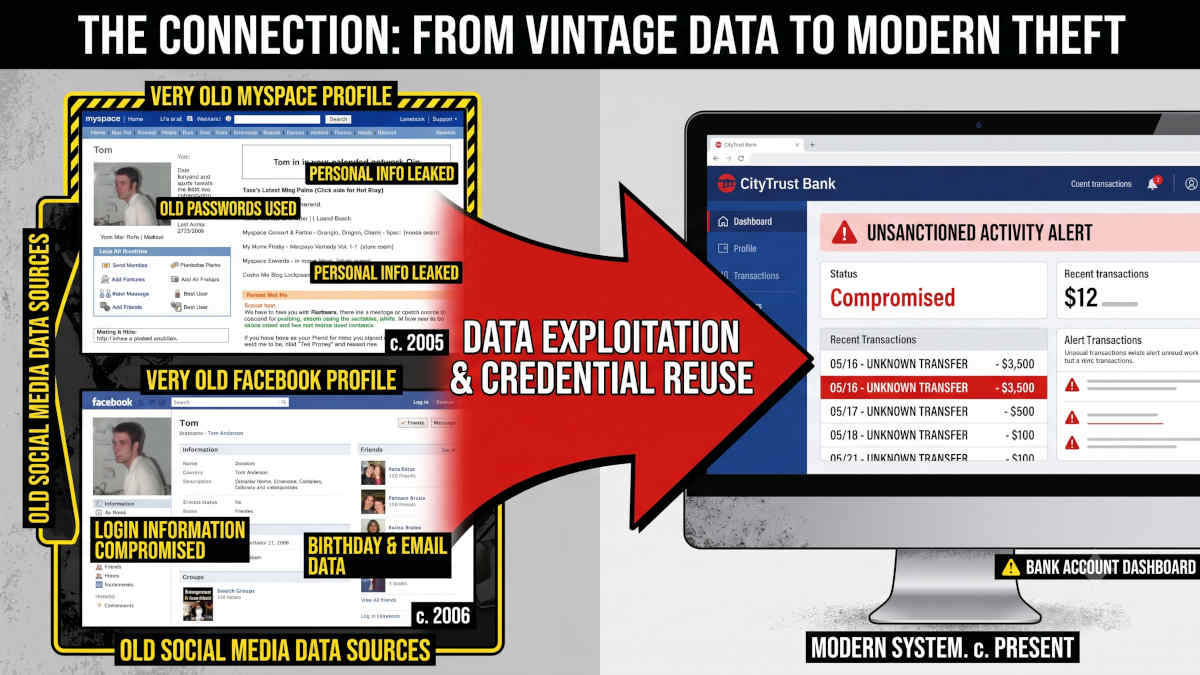
The danger of abandoned accounts and why you should care
Forgotten online accounts from five or ten years ago are massive security liabilities: Do you know the password you used back then? Was it secure? Was it the same everywhere at this time?
Why should you care? For at least two reasons:
- When you stop using a website or an app, the company does not automatically delete your personal information. Whatever information you put there - your full name, birthdate, photos, or addresses, old passwords, and security questions - is private data that can be sold and used to attack you, or sits maybe completely unprotected on outdated servers that lack modern security protocols.
- With less strict password requirements back then, yours might be old, and with today's tech, there is a mathematical certainty that hackers are actively testing your old login credentials against your current, high-value accounts.
How to find abandoned or forgotten accounts
Instead of feeling overwhelmed by a decade of internet usage, follow this highly targeted list to systematically hunt down and eliminate your ghost accounts:
- Search for old welcome emails
Search your primary email inbox for common automated phrases like "Welcome to," "Verify your account," or "Thanks for registering" dating back several years. - Review your browser's stored logins
This is where I found the most accounts myself by far. Check the saved passwords list in your default web browser (Chrome, Safari, Edge, ...) to reveal probably dozens of forgotten services you have not logged into for a decade. - Go through your authenticators acounts list
Authenticator apps that you use for two-factor authentication (2FA) are also a great source for finding old logins. Easy to overlook when checking, you can do as you do with the saved browser logins.
Why "just unsubscribing" isn't enough
Do not just abandon the account again once you find it.
Many users mistakenly believe that clicking "unsubscribe" on a marketing email removes them from a company's system. Unsubscribing only stops the newsletters; your personal data, payment history, and physical address remain permanently logged in their corporate database.
You must actively log into the old service, go to the account privacy settings, and explicitly click "Delete Account" or "Close Account".
Win the race after your personal data without even running yourself
Even if you successfully delete your old accounts today, those companies have likely already sold your historical profile to third-party data brokers.
Deleting the original account does not delete the copies already circulating.
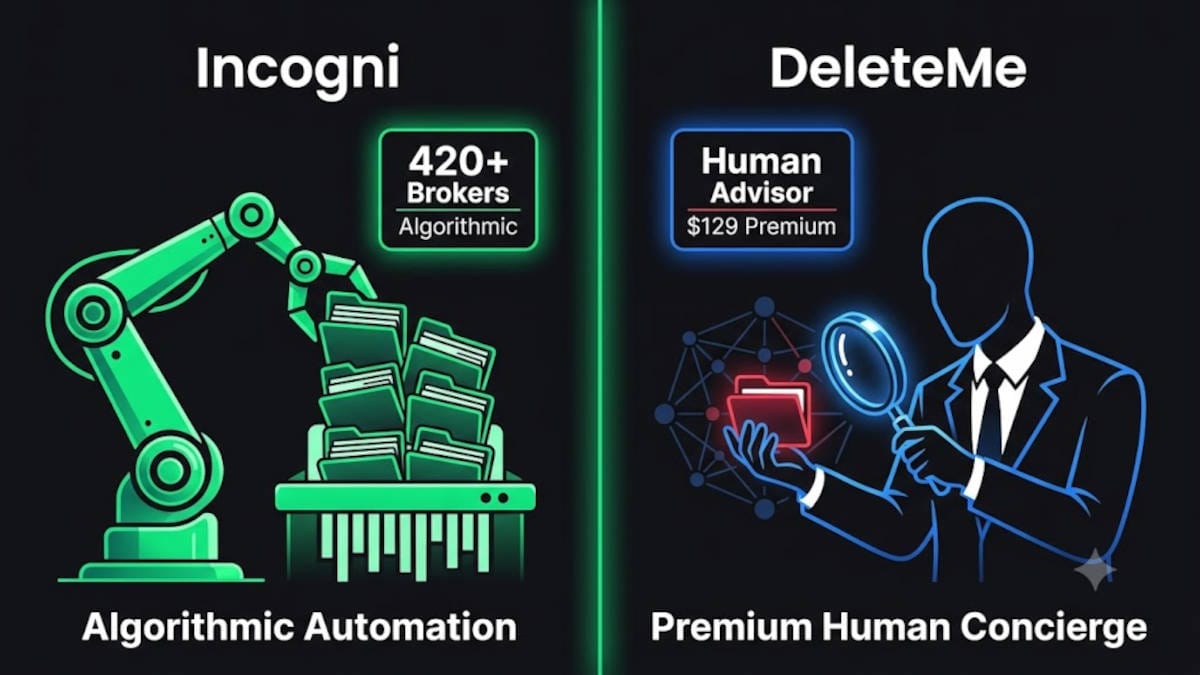
To remove your personal information from these secondary markets, you need an automated removal tool. Read our guide on how you can let the professionals erase your past for good:
 BOP Authors