Found your Credit Card cloned? Your 24-hour action plan

The immediate action needed is to temporarily freeze the card in your mobile banking app or by calling your bank, and to prepare to lock down your most vulnerable online accounts.
Discovering fraudulent charges on your credit card is a terrifying invasion of privacy, but global banking protections mean you will almost never lose your own money.
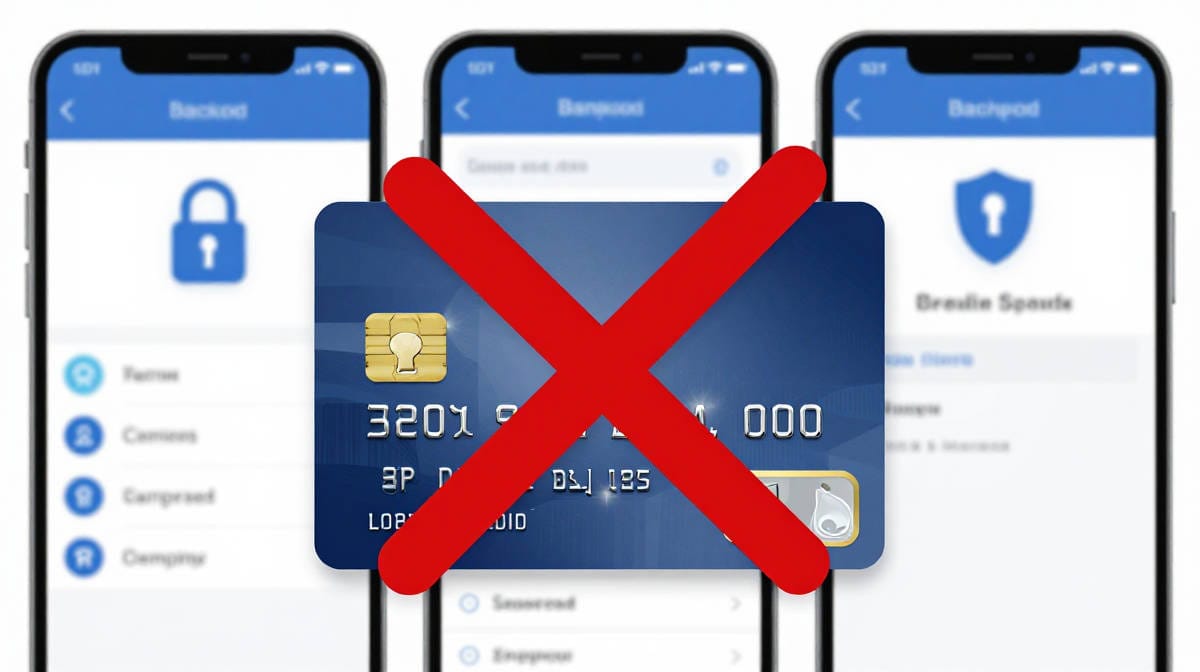
Breathe: You are not liable. Panic is always the worst advisor
Seeing a stranger drain your available credit surely can trigger an immediate, visceral panic response. However, you must remember that major global payment networks - from Visa and Mastercard to regional equivalents in the EU and Asia - enforce strict "zero liability" policies for fraudulent transactions.
You are fighting the bank's stolen money, not your own, which means your primary job right now is simply communication, not financial survival.
Step 1: The instant App Lock (0–1 Hours)
Your first defensive move does not require talking to a human or frustrating conversation circles with a chatbot.
Open your official mobile banking application and find the "Freeze Card" or "Lock Card" option.
Activating this instantly severs the cloned card from the global payment network, automatically declining any further fraudulent checkout attempts while you gather your thoughts.
Step 2: The Official Bank Audit (1–3 Hours)
Once the card is frozen, flip your physical card over and call the international phone number, which is usually printed directly on the back.
Never use a search engine to find your bank's phone number without 100% confirming that the website is legit. Scammers actively deploy fake customer service ads and entire web page "lookalikes" to intercept panicked victims.
When connected, calmly tell the representative your card was cloned, list the fraudulent charges to dispute, and request a newly numbered replacement card.
Step 3: Stop Leaving Your Cards on File (24 Hours)
How your card data was likely compromised
- Physically copied by a "skimmer", which mimics the look and feel of, for example, number pads on an ATM and is placed covering the original one, or a "shimmer" that is hidden entirely inside a retail payment terminal and extremely hard to detect.
Both steal your card data while you use the terminal. - Digitally stolen when an e-commerce site suffered a server breach. Modern online stores never store your credit card data directly, and if they have to for some reason, they encrypt it.
If an online store's database is compromised, and they do not follow this, having a secure password will not protect your credit card; if the merchant stored the data poorly, the hackers already have it.
The biggest risk, however, is the tens of thousands of fake online shops that exist only to steal your data and never deliver any promised items.
How to protect better against your card data being leaked
To protect your newly issued replacement card, you must break the habit of clicking "Save this card for later" during checkout.
Instead, keep your payment details off vulnerable retail servers by storing them in a centralized, strictly encrypted vault.
Password managers also securely store payment data. Read our password manager breakdown to see how you can safely autofill your credit card details at checkout, generate unbreakable passwords, and keep your family’s financial data permanently locked down:
 BOP Authors