DuckDuckGo Browser Enhances Protection Against Phishing and Malware
The DuckDuckGo browser now offers enhanced protection against phishing sites and malware with its Scam Blocker feature, which is free and active by default.

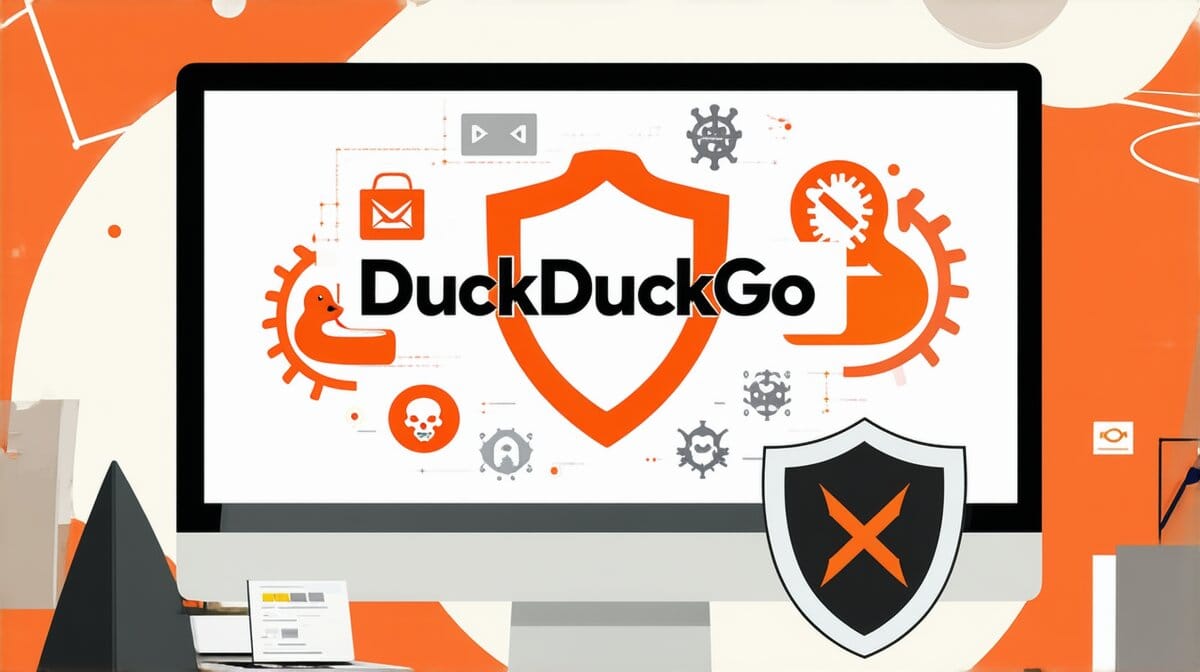
The DuckDuckGo browser has expanded the capabilities of its built-in Scam Blocker to guard users from a wider range of online threats. This includes phishing sites and malware, ensuring that browsing remains safe and secure.
Phishing sites are designed to steal personal information by masquerading as legitimate websites. Malware can harm your device or compromise sensitive data. With the Scam Blocker feature, these risks are significantly reduced without any additional setup required.
How do I ensure my browser is protected against phishing and malware?
The DuckDuckGo browser’s Scam Blocker is already enabled by default, providing immediate protection.
Just open the browser to start browsing safely.
What additional steps can I take for enhanced online security?
In addition to using the Scam Blocker, consider enabling two-factor authentication and regularly updating your browser to ensure you have the latest security features.
Nowadays you also definitely should start using a password manager to have safe passwords synced across your devices.
Further details at the source