DuckDuckGo Browser Unveils New Design with Enhanced Privacy Features
The DuckDuckGo browser has been refreshed with a new look and enhanced privacy features, ensuring your online activity remains protected without the need for AI.

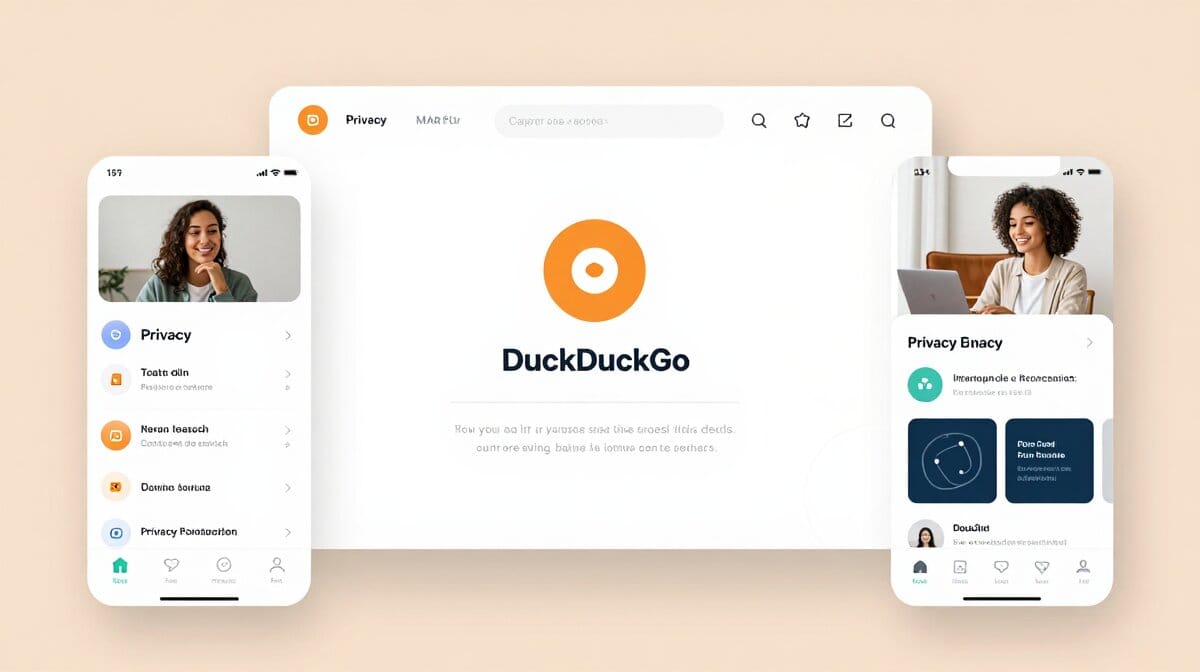
The DuckDuckGo browser now boasts redesigned icons, a softer interface, and a fresh color palette. Interactive elements highlight how the browser is safeguarding user data in real-time.
This redesign emphasizes user privacy with clear visual cues about ongoing protections. The absence of AI ensures that users can browse without any automated tracking or analysis.
How do I update to the new DuckDuckGo browser design?
To access the latest features and enhanced privacy protections, simply download the newest version of the DuckDuckGo browser from their official website.
What interactive elements are included in the new DuckDuckGo interface?
The updated interface includes visual indicators that show when your data is being protected. These elements provide real-time feedback on privacy measures without needing AI assistance.
Further details at the source